Popular Times API Alternative for Developers

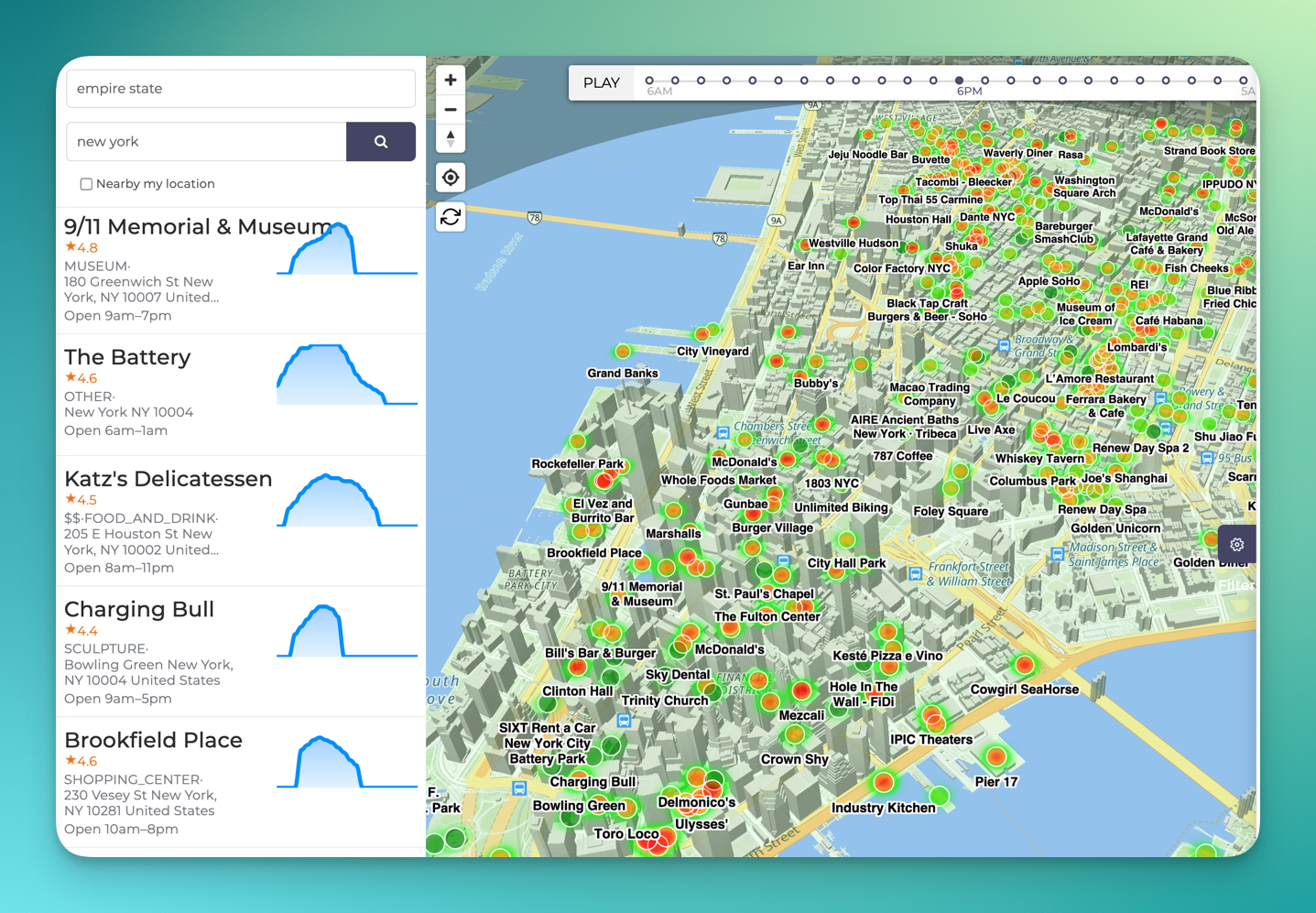
Google Maps can show when a place is usually busy. The complication starts when you need that idea inside your own app: there is no simple official Google Popular Times API that returns the familiar hourly busyness graph or live busyness signal.
Google's official Places API is useful for place identity, addresses, opening hours, ratings, reviews, photos, and other venue attributes. Its current public Place resource and field catalog do not list Popular Times or live venue busyness as fields. Google documents Popular Times as visit information displayed in Google Maps and Search, not as a Places API response field. (Google Places fields, Google Popular Times help)
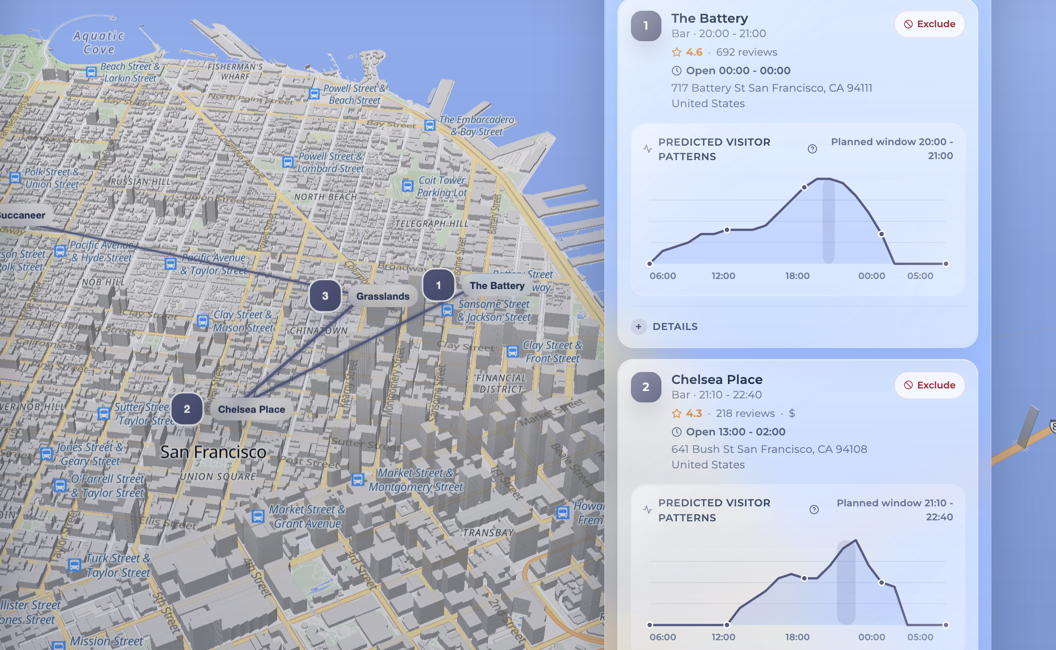
BestTime provides a different, API-first way to build the same kind of product experience: hourly public-venue busyness forecasts normalized from 0 to 100, live busyness where available, and venue search and filtering workflows. BestTime is not an official Google API, and its values should not be described as Google's Popular Times data. However, in benchmarks the hourly BestTime data is roughly +/- 5% off from the Google Maps Popular Times data.
Quick answer
Use BestTime as a Popular Times API alternative when your product needs to answer one of these questions programmatically:
- When is this restaurant, bar, attraction, shop, or gym normally busy or quiet?
- Is this venue busier or quieter than expected right now?
- Which venues in an area match a category, day, time, and busyness threshold?
- How can I rank or recommend places for a time-aware travel, nightlife, or city-guide experience?
BestTime returns relative demand signals, not absolute visitor counts. A value of 100 represents the forecasted weekly peak for that venue; it does not mean 100 people. Live data is not available for every venue or every hour, so production applications must support an explicit "live unavailable" state.
Start with API credits or inspect the current API reference before choosing an integration pattern.
First decide what you actually need
"Popular Times API" searches often hide several different product requirements. Choosing by output shape is more useful than choosing by the name of the feature.
| Your product question | Appropriate workflow |
|---|---|
| What is this place, where is it, and when is it open? | Use a place-data API such as Google Places. |
| When is this specific venue normally busy or quiet? | Create or retrieve a BestTime hourly forecast. |
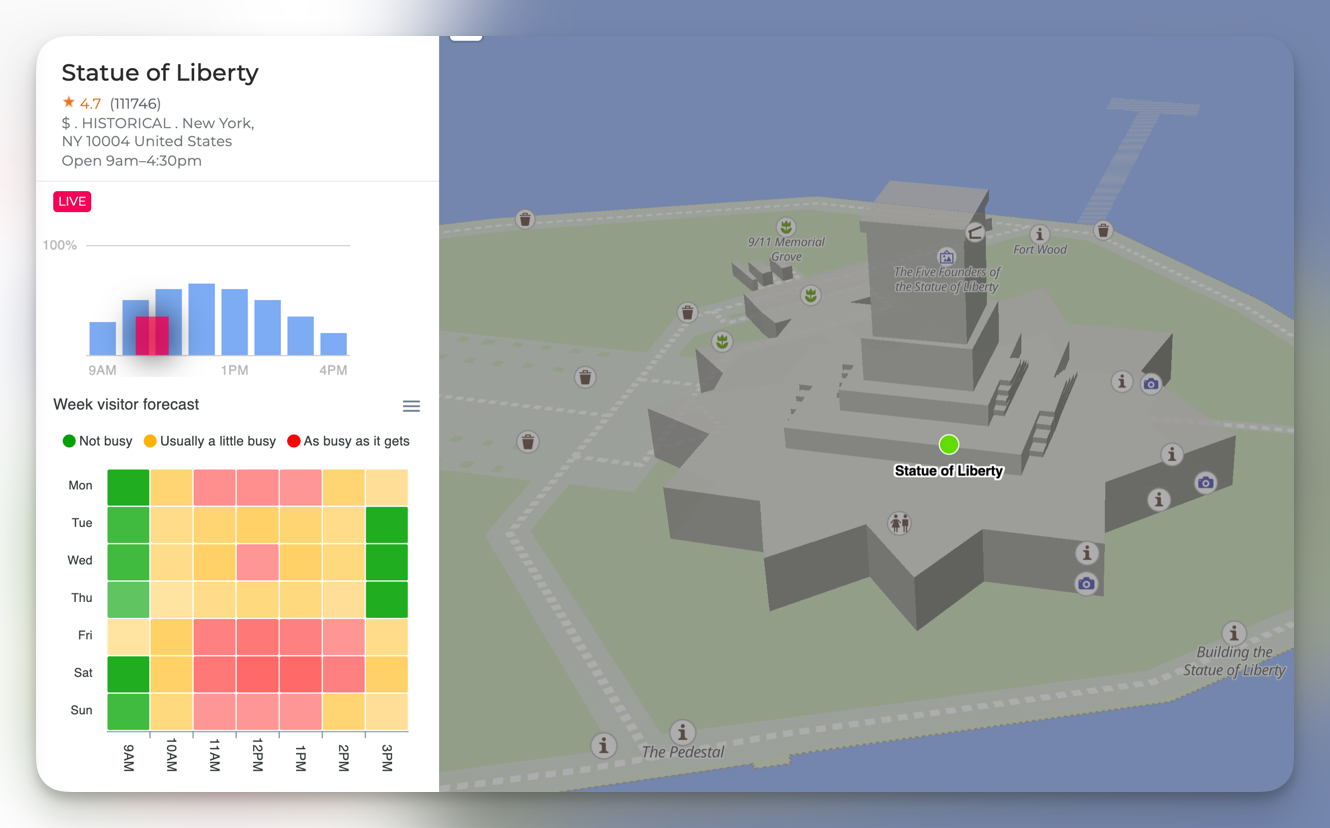
| Is the venue unusually busy right now? | Request BestTime live busyness and fall back to the forecast when live is unavailable. |
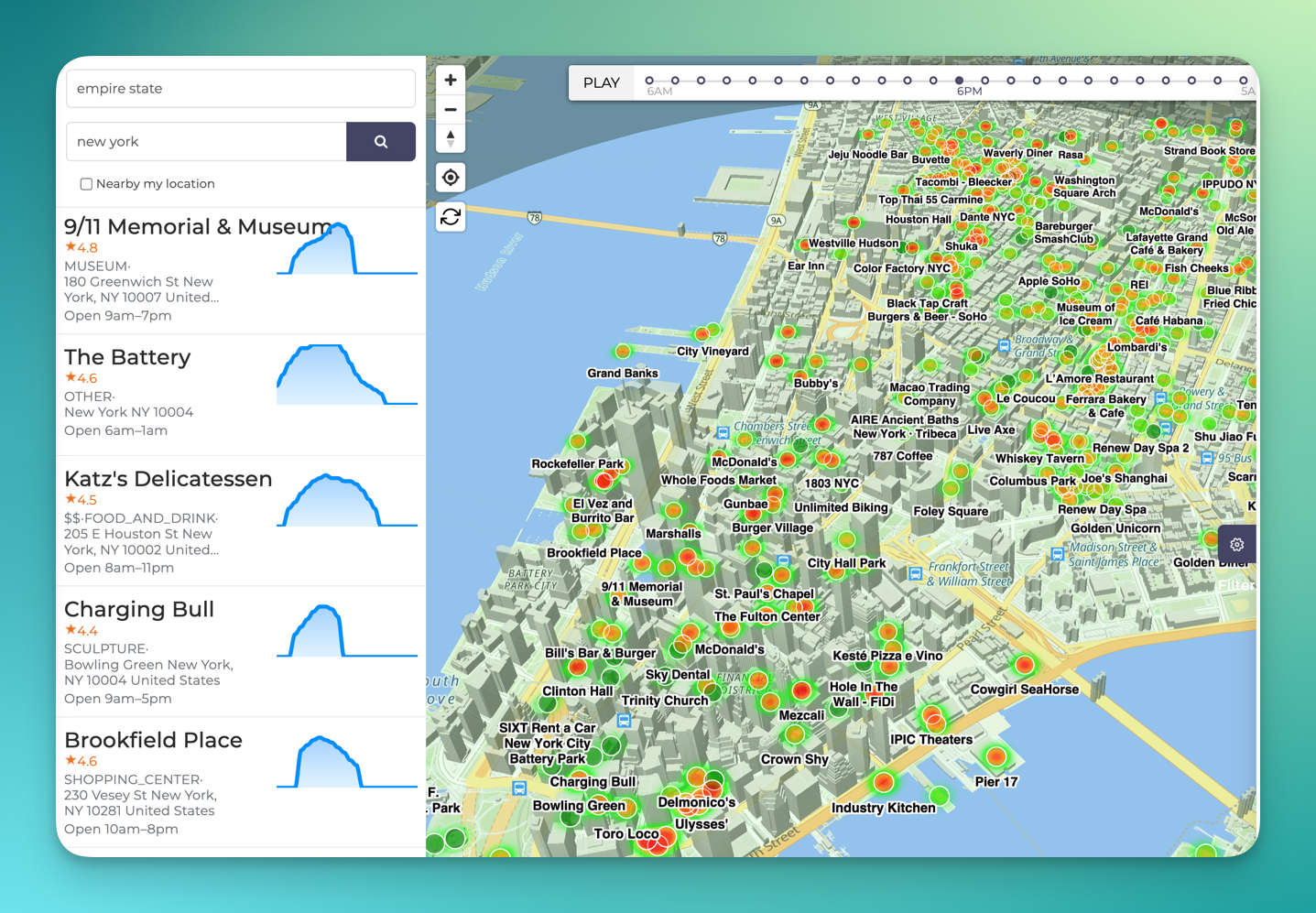
| Which bars will be lively Friday at 10 PM? | Use BestTime Venue Search to discover candidates and Venue Filter to apply time, location, type, and busyness constraints. |
| How many people will enter the venue? | BestTime is not the right data source; use first-party counters, ticketing, reservations, or another source of absolute counts. |
This distinction matters. Opening hours tell you whether a venue should be open. A forecast estimates its usual relative activity during each hour. A live signal, where available, tells you how current activity compares with the normal pattern. Those are separate fields and should remain separate in your application's data model.
How BestTime's 0-100 forecast works
BestTime models a public venue's typical week as hourly relative values. The busiest forecasted hour of that venue's week is 100; other hours are scaled relative to that peak. The response also includes day-level analysis such as busy, quiet, peak, and surge hours. (BestTime API reference)
Three interpretation rules prevent common product mistakes:
- Treat the values as relative, not as headcounts. An
80does not mean 80 visitors. - Do not infer absolute cross-venue volume. An
80for a small cafe and an80for a stadium each mean "high relative to this venue's own week," not that the venues contain similar numbers of people. - Show forecast and live as different states. A forecast is the expected pattern. A live value, when available, can indicate that the current hour differs from that expectation.
This format works well for user-facing labels such as "usually quiet," "typically busy," or "busier than usual," as long as the interface does not turn a relative signal into a precise visitor estimate.
A verified BestTime request and response
For one known venue, the current BestTime documentation recommends the New Forecast endpoint. Send the request from your server so the private API key is never exposed in browser code or a mobile application bundle.
import os

import requests

response = requests.post(
    "https://besttime.app/api/v1/forecasts",
    params={
        "api_key_private": os.environ["BESTTIME_PRIVATE_API_KEY"],
        "venue_name": "Empire State Building",
        "venue_address": "20 W 34th St, New York, NY",
    },
    timeout=30,
)
response.raise_for_status()
forecast = response.json()

print(forecast["venue_info"]["venue_id"])
print(forecast["analysis"][0]["day_raw"])
The documented response has this shape. This is shortened to one day, but the day_raw example retains all 24 hourly values:
{
  "status": "OK",
  "venue_info": {
    "venue_id": "ven_...",
    "venue_name": "Empire State Building",
    "venue_address": "20 W 34th St. New York, NY 10001 United States",
    "venue_timezone": "America/New_York"
  },
  "analysis": [
    {
      "day_info": {
        "day_int": 0,
        "day_text": "Monday",
        "day_max": 82
      },
      "busy_hours": [],
      "quiet_hours": [20, 21],
      "day_raw": [
        10, 25, 40, 55, 65, 75, 75, 75, 75, 75, 70, 65,
        50, 40, 30, 25, 25, 25, 20, 15, 10, 0, 5, 5
      ]
    }
  ]
}
BestTime's documented forecast-day array runs from 6 AM through 5 AM the following day, which is useful for bars and other late-night venues but easy to misread if your code assumes index 0 means midnight. Always use the returned venue timezone and day metadata rather than applying your server's timezone.
The venue resolver may return a standardized name or address that differs from the input. Verify venue_name and venue_address before saving the returned venue_id.
A production-friendly integration workflow
The efficient pattern is to create a forecast once, persist the returned venue_id, and use the query endpoints for later reads.
- Resolve and forecast the venue. Provide a specific venue name and approximate address.
- Validate the match. Confirm the response name, address, and timezone represent the place the user selected.
- Store the BestTime
venue_id. Keep it with your own venue record. - Query the stored forecast. Use week, day, hour, or now endpoints instead of generating a new forecast on every page view.
- Request live data only when the experience needs it. Treat live availability as nullable and retain the forecast as the fallback.
- Refresh deliberately. Forecasts are reusable; live data is time-sensitive. Do not make a new forecast for every user request.
This separation gives your application a stable data contract:
expected_busyness: integer | null
live_busyness: integer | null
live_available: boolean
venue_timezone: string
forecast_updated_at: timestamp
The exact property names in your application are up to you. The important design choice is not to silently substitute live data for forecast data—or vice versa—without telling the user which one they are seeing.
When you need multiple venues, do not loop over map results
A common implementation starts by resolving dozens of places and requesting each one separately. That becomes slow, costly, and difficult to rank.
BestTime provides two workflows for this broader job:
- Venue Filter narrows venues by predicted busyness, day, hour range, category, coordinates or radius, ratings, reviews, price level, and dwell time.
- Venue Search finds candidate public venues from a query such as a category, chain, neighborhood, city, or country.
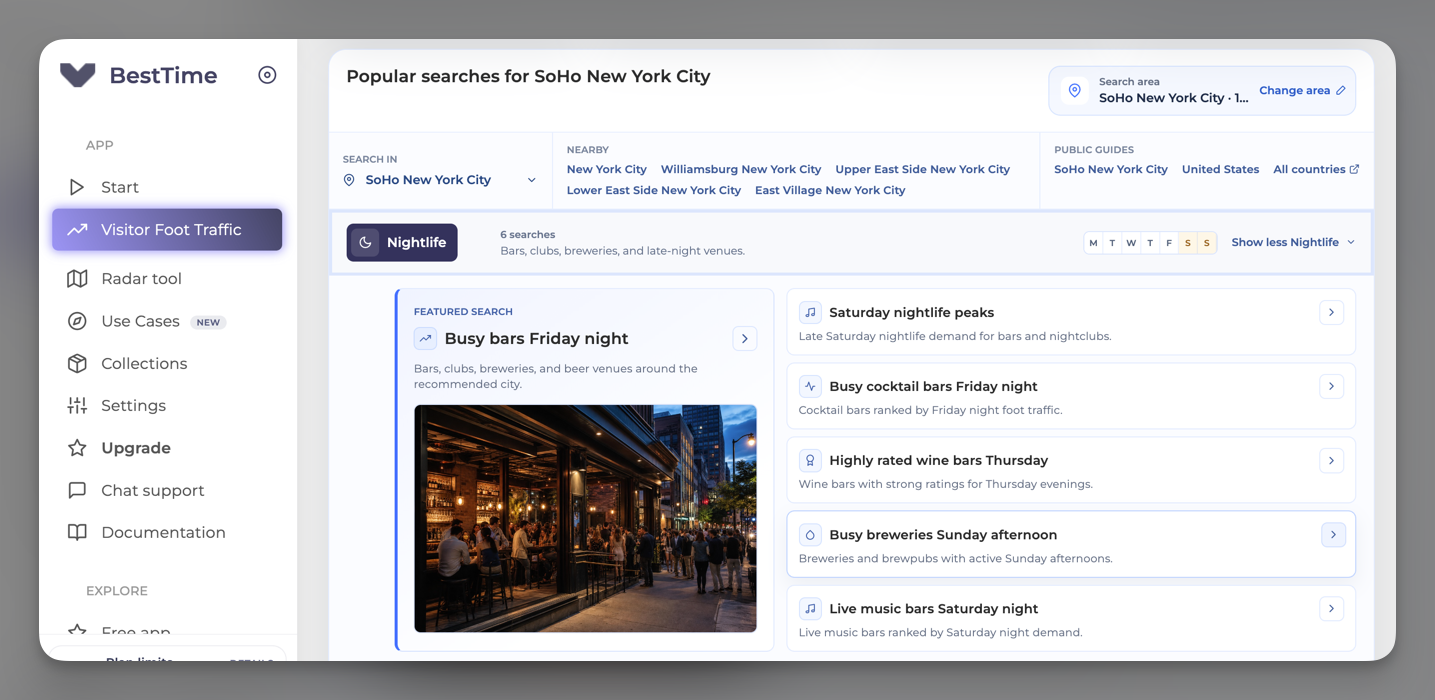
For example, a nightlife app can ask for bars in a geographic radius, require a minimum predicted busyness between 9 PM and midnight, and sort the results before presenting them to the user. A city guide can invert the filter to recommend quieter attractions in the morning.
This is the main difference between simply obtaining a weekly graph and building a useful product. The graph answers "when is this venue busy?" Search plus filtering answers "where should this user go at this time?"
The Venue Filter API is the recommend API to retrieve venue foot traffic data at scale for the most efficient price and (API) speed.
See the foot traffic data API overview for the available workflows or go directly to the API documentation.
Will it work for venues in my country?
BestTime documents coverage across more than 150 countries, but coverage is venue-specific. Public venues need sufficient activity to produce a forecast, and live data has narrower availability than forecasts. A country-level claim therefore does not guarantee that every cafe, park, or shop in that country will return data.
Before committing to an integration, test a representative sample from the exact cities, venue categories, and traffic levels your application will serve. Include less prominent venues in the sample—not only famous attractions—and record forecast success, live availability, latency, and the percentage of resolved venues that match the intended place.
BestTime's limits are part of the product decision
BestTime is a fit when relative public-venue demand is enough to power recommendations, discovery, planning, or analysis. It is not a substitute for:
- absolute door counts or occupancy sensors,
- first-party reservations, ticket scans, or point-of-sale data,
- person-level movement histories,
- guaranteed live readings for every venue,
- an official Google Places or Google Maps API response.
BestTime provides aggregated, normalized signals and does not expose personal identifiers or raw location traces. Your application should preserve that distinction in its copy, charts, exports, and downstream models.
Start with a real venue workflow
The fastest evaluation is not to compare feature lists. Choose ten to fifty venues from your intended launch market and test the actual job your product needs to perform:
- Can you resolve the right venue?
- Does a forecast exist?
- Is the 0-100 pattern useful for the decision or interface?
- How often is live activity available when you need it?
- Can Venue Filter replace application-side loops and ranking logic?
- Can users understand that the number is relative rather than an absolute count?
If those answers are positive, start with API credits. For production costs and account options, review BestTime pricing. For endpoint parameters and current response fields, use the BestTime API reference.